Loading…
Help
Plain-language answers to the questions people actually ask. No technical background needed. Screenshots show fictional example projects.
Jump to
Turn on hover help
The fastest way to learn any screen: click the round ? Help button in the corner of the intake, your build portal, or Settings. Small ? markers appear next to buttons and statuses — hover (or tap) any of them for a one-sentence explanation of what that control does. Click the button again to turn the markers off. Your choice is remembered on this device.
How do I get a quote?
Go to Start Building. There are three short steps, and nothing is paid or committed until the very end:
- Describe it. Fill in your email, what you want built, and who will use it. The “Technical requirements” box is optional — skip it if you are not sure.
- Confirm your email. We email you a 6-digit code; type it in. The code expires after 10 minutes — if it does not arrive, check spam or press Resend code.
- Answer the follow-up questions. Our AI asks up to seven more plain questions — a counter at the top shows exactly which one you are on, out of ten. Ten is a hard cap and it often stops sooner. When it has enough, it writes your spec and shows a fixed price.
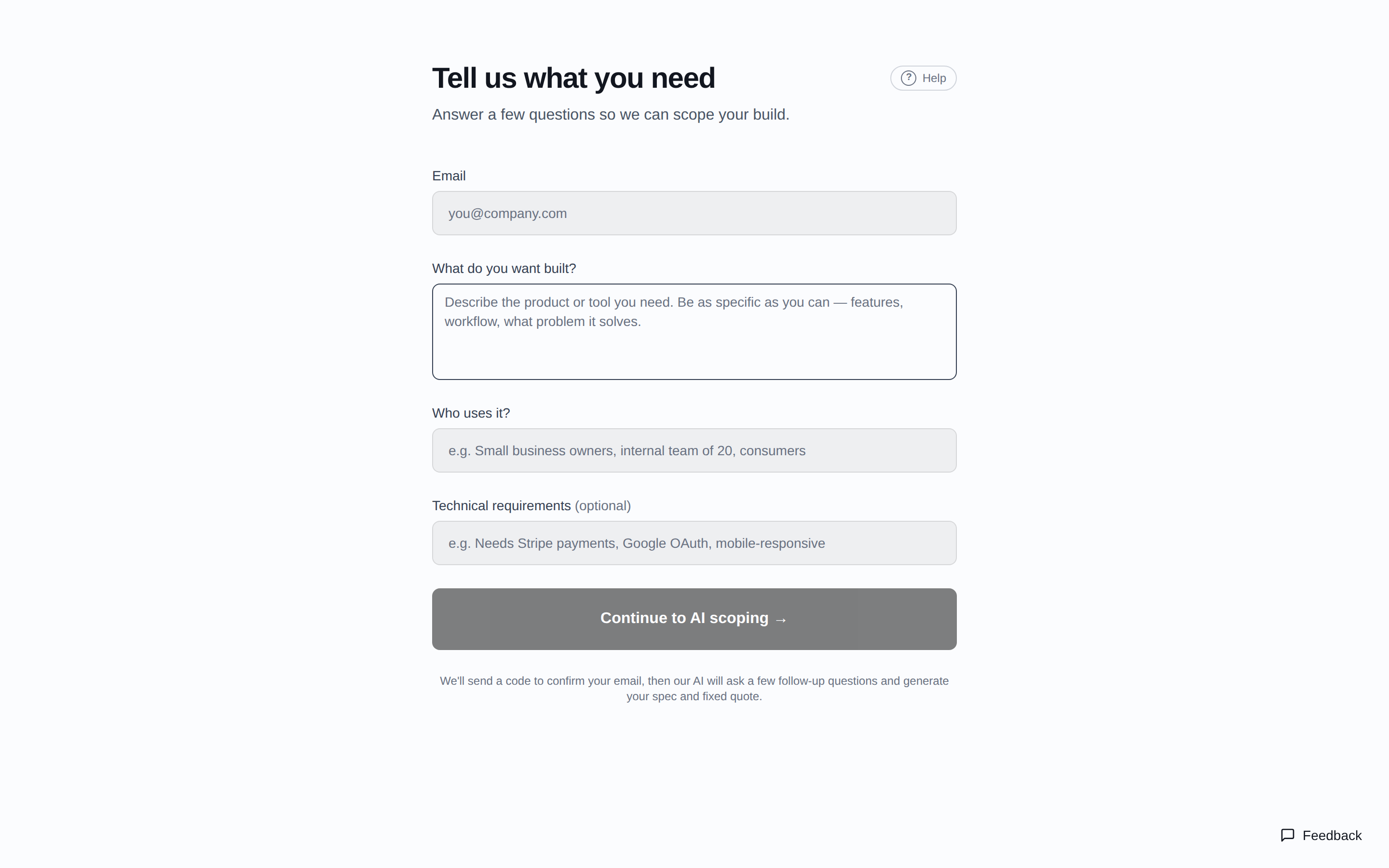
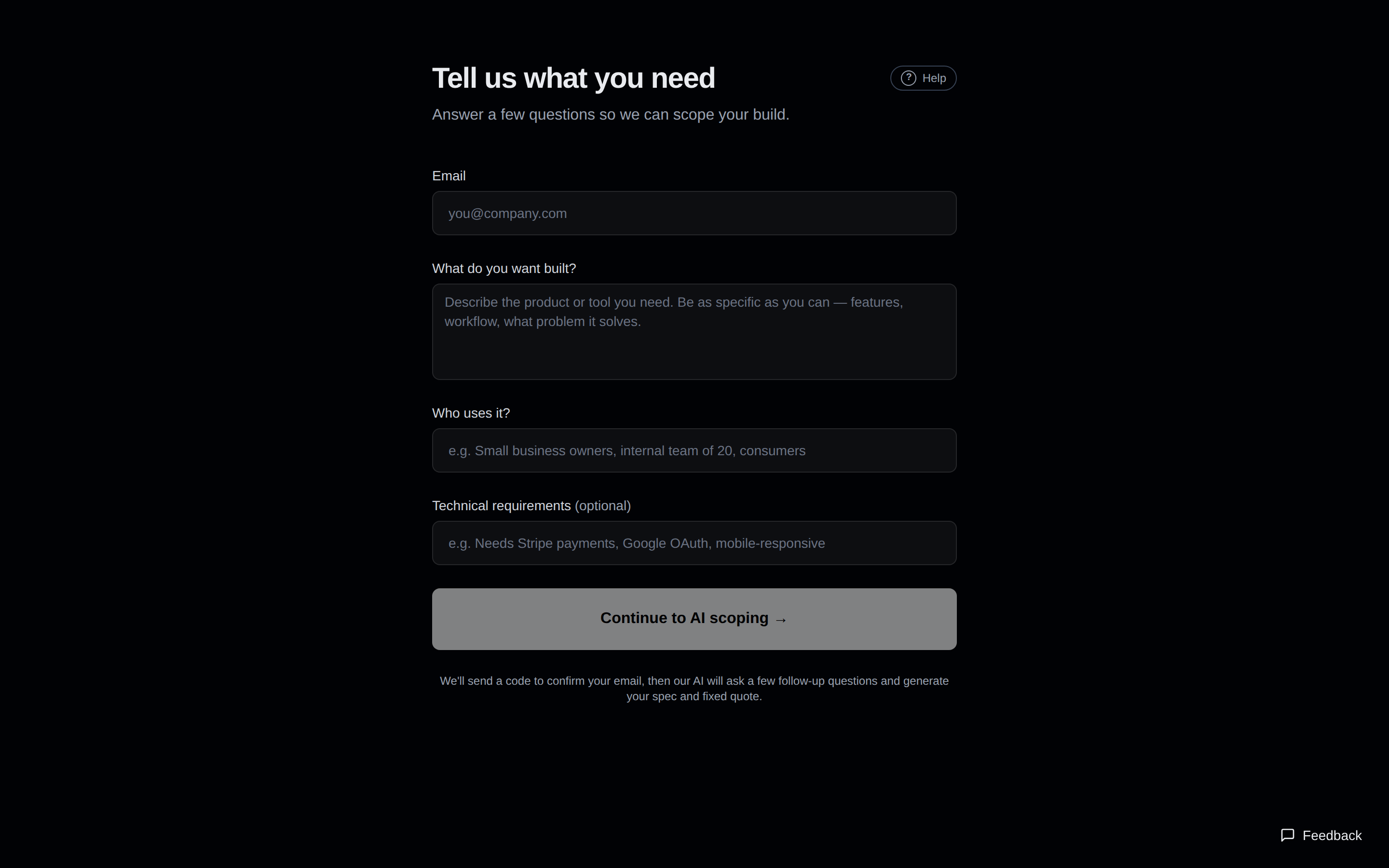
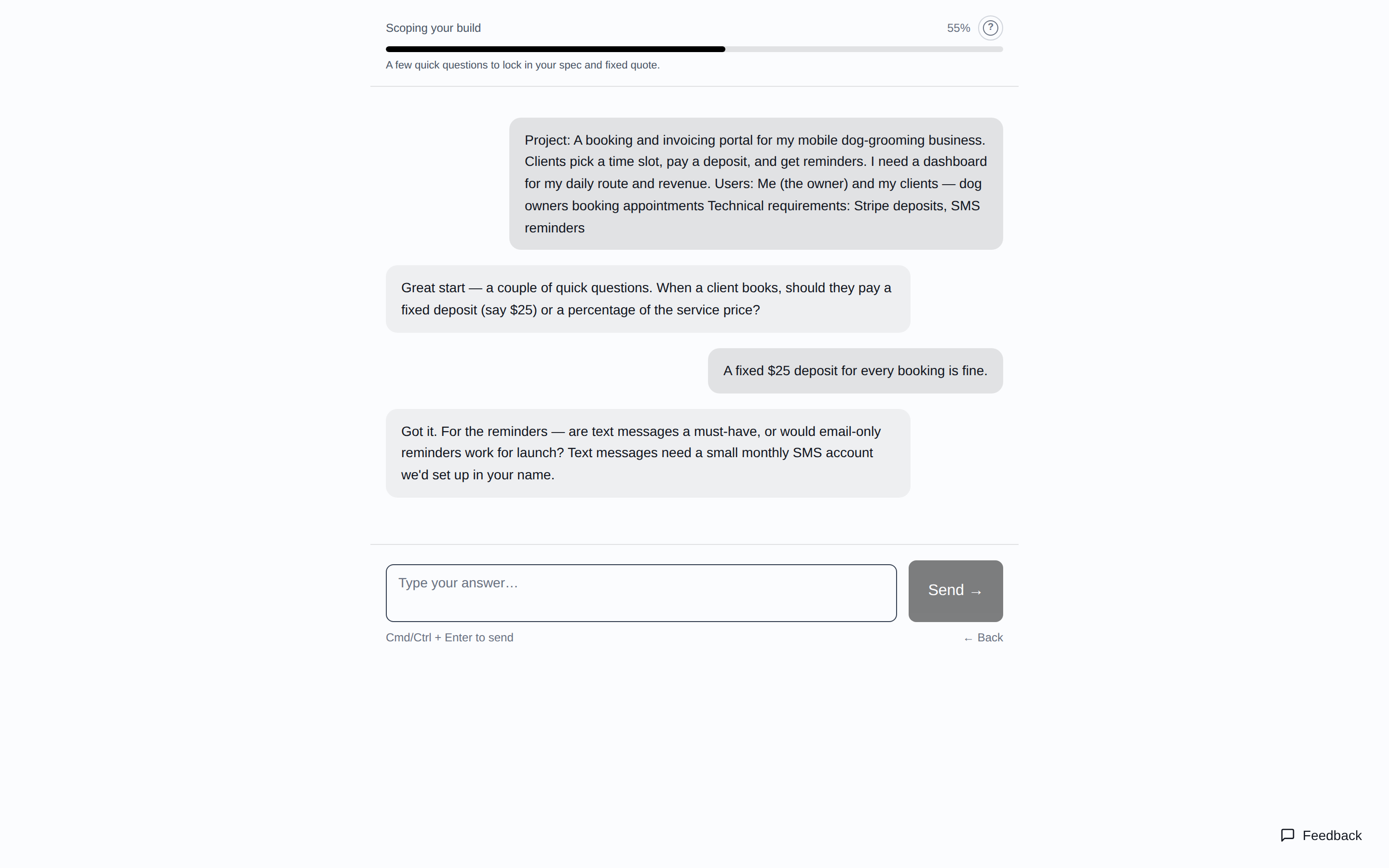
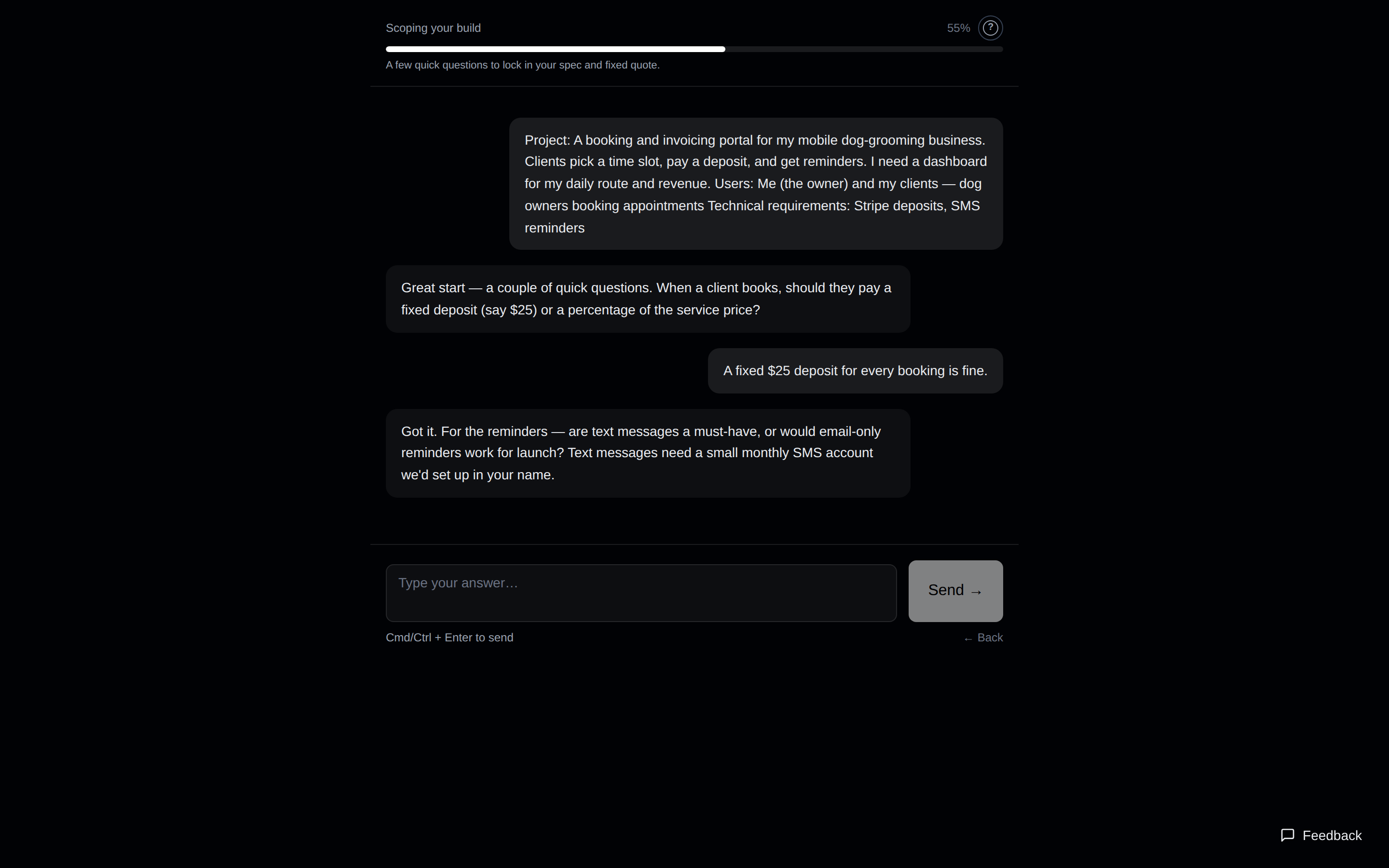
Your progress is saved in your browser for 24 hours — if you close the tab, coming back to the intake picks up where you left off.
What does the spec page show?
When scoping finishes you land on one page with everything you need to decide:
- Feasibility — our honest read on how buildable your project is as scoped, with any risks flagged before you pay.
- The spec — a written description of exactly what will be built. Payment locks this in, so read it.
- Your tier and fixed price — one of four tiers: Micro ($3,000, 5–7 days), Tool ($9,500, 10–14 days), Platform ($16,500, 3–4 weeks), or Complex ($38,000, 4–6 weeks). The price cannot change at checkout.
- “Anything else we should know?” — an optional box for reference links, design preferences, or deadlines. It gets attached to your spec.
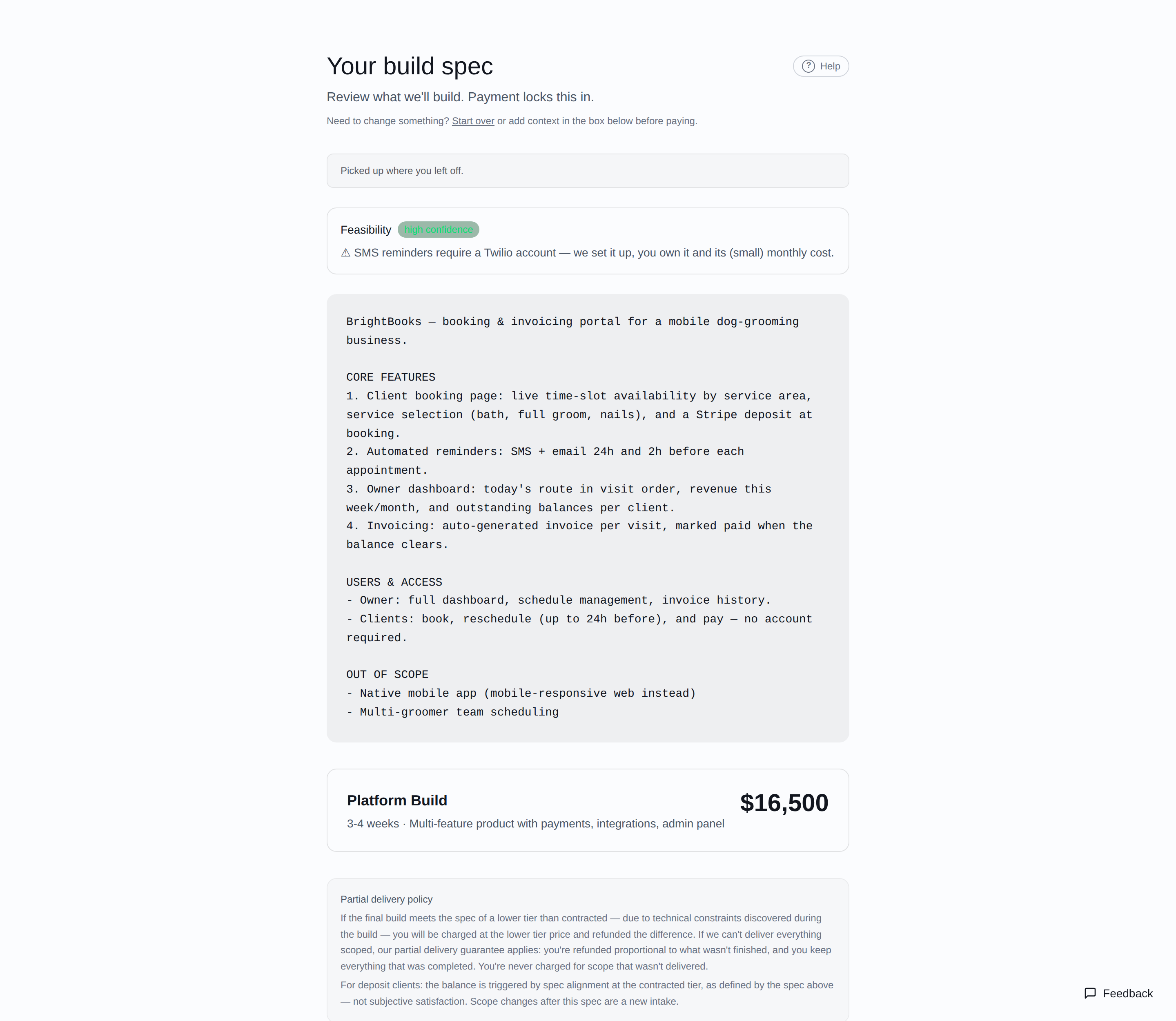
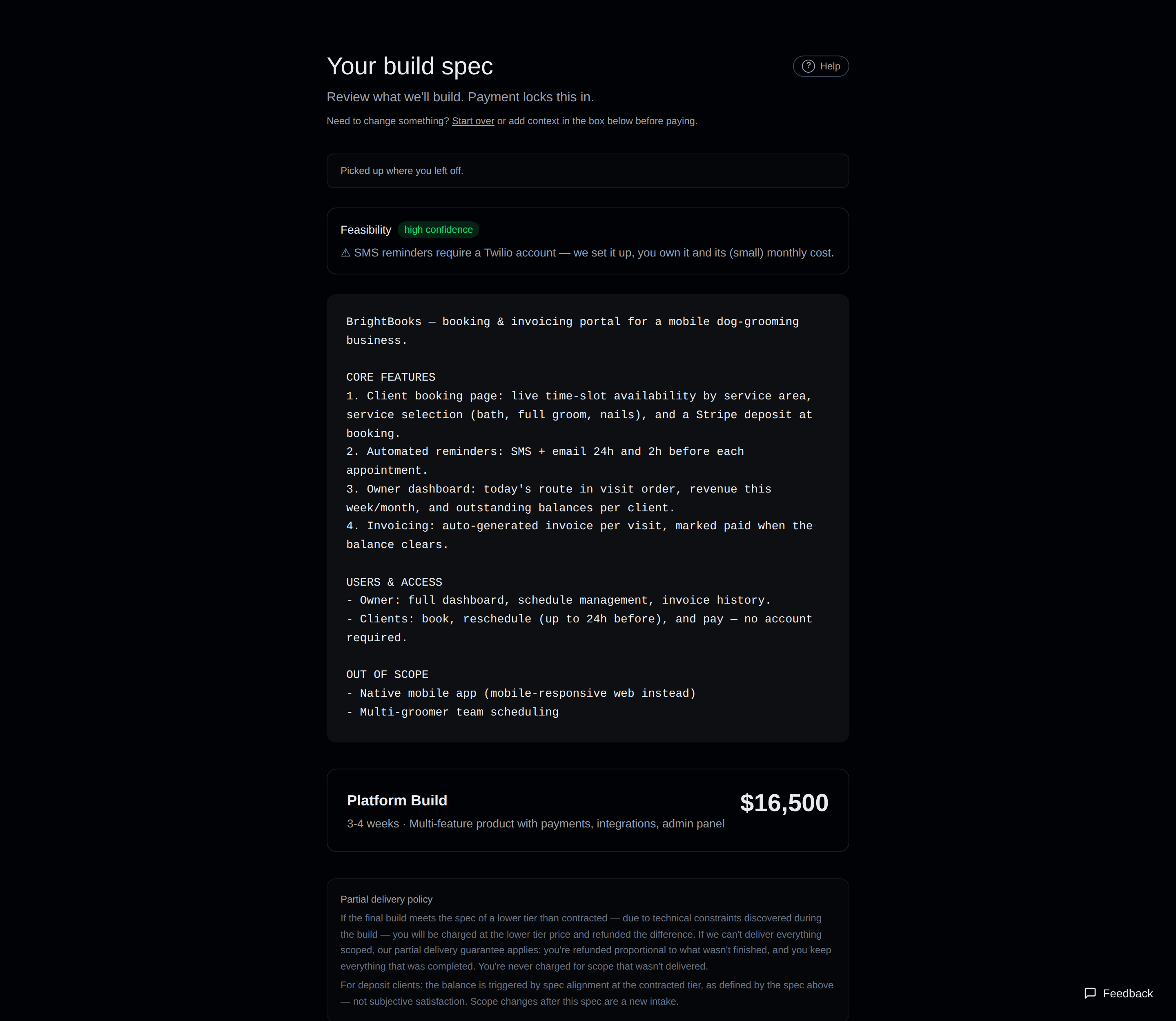
Want something different? Press Start over to redo the intake, or add corrections in the notes box before paying.
Pay in full vs. 50% deposit
Both buttons open a secure Stripe checkout. The difference:
- Pay in full — the whole fixed price now. Simplest option, and the only one where a discount code can be entered on the Stripe page.
- 50% deposit — half now to start the build. The other half is due when the delivered build matches your spec; until the balance is paid, the source-code download stays locked.
If the final build turns out to match a lower tier than you paid for, you are charged the lower price and refunded the difference. If something scoped cannot be delivered, the partial-delivery guarantee refunds you proportionally — the exact policy is shown on the spec page and in the Terms.
Where is my build portal?
Right after checkout, the confirmation page shows your personal portal link (it looks like sindri.build/c/…), and the same link is emailed to you from [email protected] with the subject “Your build is confirmed”.
- Bookmark it. The link itself is your key — no password needed — so keep it and don't share it with anyone you wouldn't share the project with.
- Lost it? Search your email for “sindri”, or write to [email protected] and we'll resend it.
What do the statuses mean?
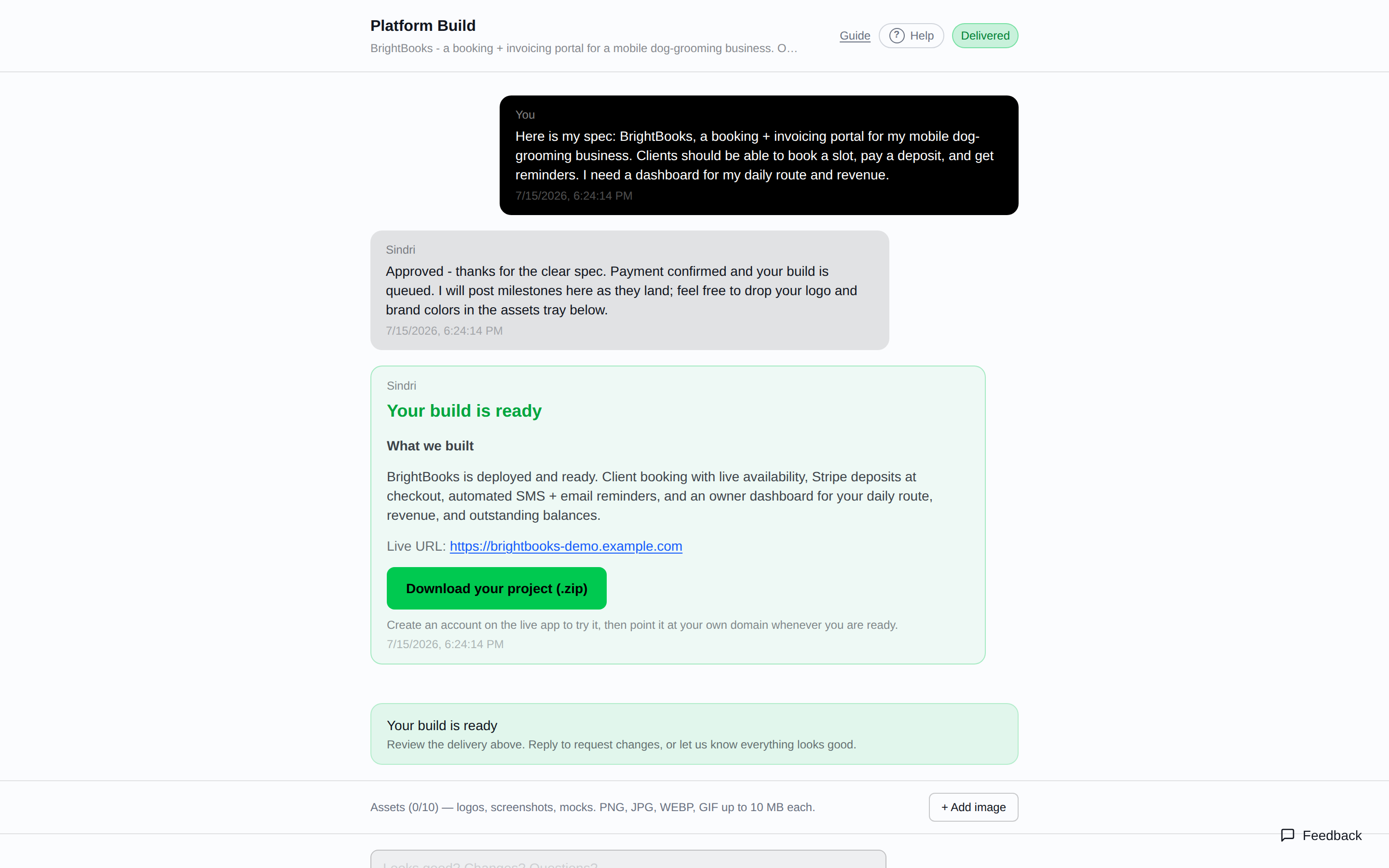
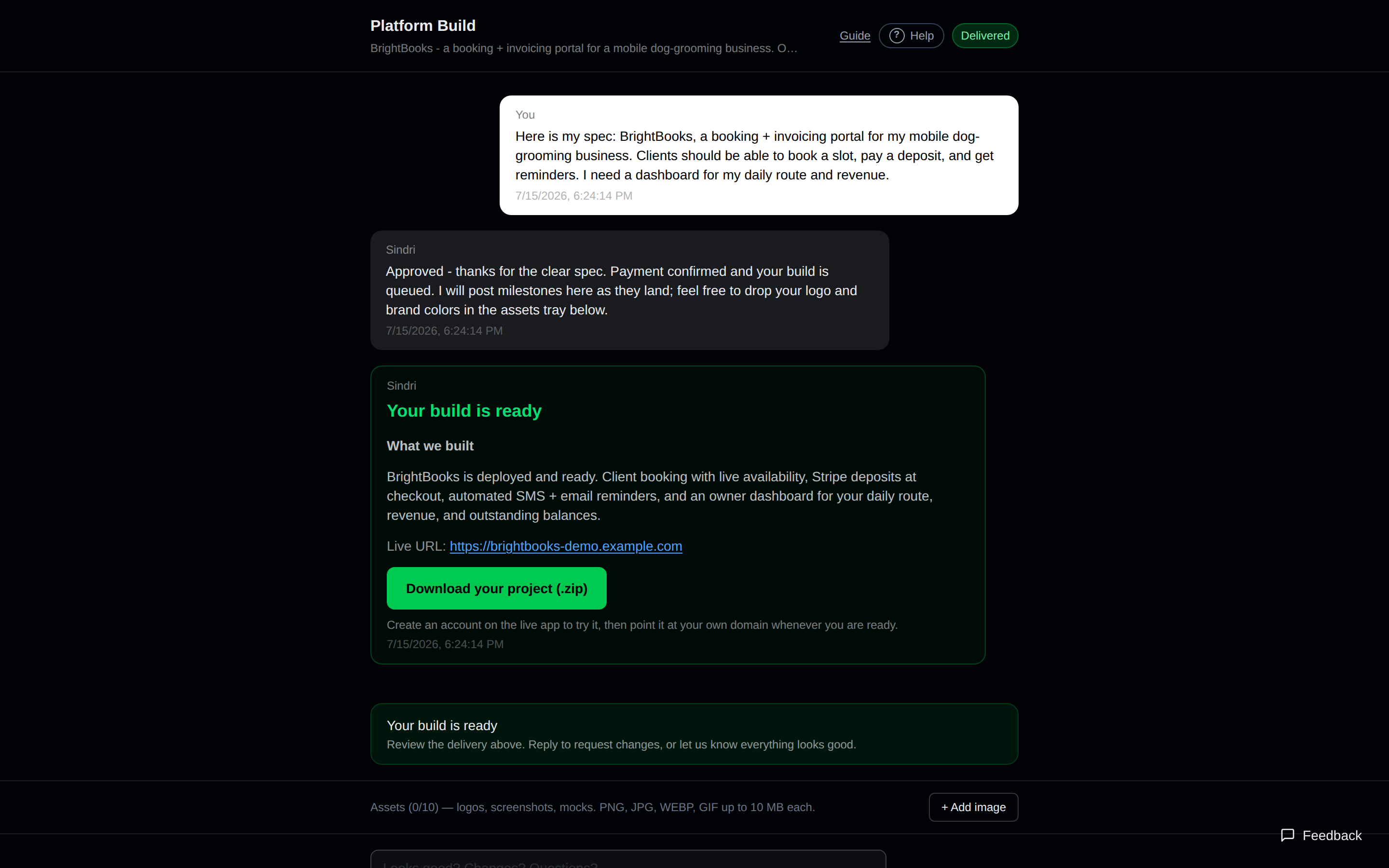
The colored badge at the top right of your portal is where your build is right now. It updates on its own — no need to refresh the page.
| Badge | What it means |
|---|---|
| Awaiting approval | Payment confirmed. Your builder reviews the spec before work starts — typically within 24 hours. (Micro and Tool builds usually skip straight to Building.) |
| Approved | Your builder accepted the spec and is finalizing details before starting. |
| Building | Your software is being built. You can still send messages and files. |
| In Review | Your builder is working through feedback or a revision you sent. |
| Delivered | The build is ready — review it and download the source code. |
| Complete | Delivered and closed out. The message box is closed. |
| Under Review | The build is paused while we look at something. We'll follow up directly, and you can still message us. |
| Cancelled | This build was cancelled. Contact us if that's a surprise. |
Messaging your builder & sending files
The box at the bottom of your portal goes straight to the person building your project — use it for context, questions, corrections, or change requests at any stage. Replies from your builder appear in the same thread.
Above the message box is the assets tray: attach up to 10 images (logos, screenshots, mockups — PNG, JPG, WEBP, or GIF, 10 MB each) with the + Add image button. Your builder sees everything you add.
Downloading your finished build
When the status turns Delivered, a green delivery message appears in your portal with a live preview link and a Download your project (.zip) button. The zip is your full source code — yours to host, modify, and extend, with no licensing and no lock-in.
Paid by deposit? The download unlocks after the remaining balance is paid — a Stripe payment link is emailed to you at delivery. Then reply in the portal to request changes, or tell us everything looks good.
Can I change my spec after paying?
Small clarifications and details: yes — just write them in your portal message box, any time. Your builder sees them.
Changes that expand the scope (new features, new integrations) are a new intake or a change order rather than a portal message — the fixed price you paid covers the spec you locked in. If you are unsure which side your request falls on, ask in the portal.
Account, password & 2FA
You do not need to sign in to use your build portal — the portal link is the key. An account is created automatically at checkout with your email (no password yet), and it exists only for account settings.
- First time signing in? Use Forgot password on the sign-in page with your checkout email to set a password. After that, Settings is where you change it.
- Forgot your password? Use Forgot password on the sign-in page — a reset link is emailed to you.
- Optional two-factor authentication: in Settings you can add a 6-digit code from a free phone app (Google Authenticator, 1Password, Authy) at sign-in, plus one-time backup codes in case you lose your phone.
Still stuck? Contact us
Email [email protected] — a person reads it. Or use the feedback form (also the round button at the bottom-right of every page) for bug reports and suggestions.